Skip links

New pricing plans available

Making Payments easy 💶fast🚀secure🏦

Unlock greater value for your business finances with a Nexus account.

Simple. Seamless and Powerful.

Simplified finances
in one place.

Expand your business and reduce costs through global payments, multi-currency management, and intelligent spending.

Accept Payments

Accept Payments

Empower your online sales by accepting a wide range of secure payment options. Provide a frictionless checkout experience for customers worldwide, boosting conversions and building trust with every transaction.

Easy Transfers

Easy Transfers

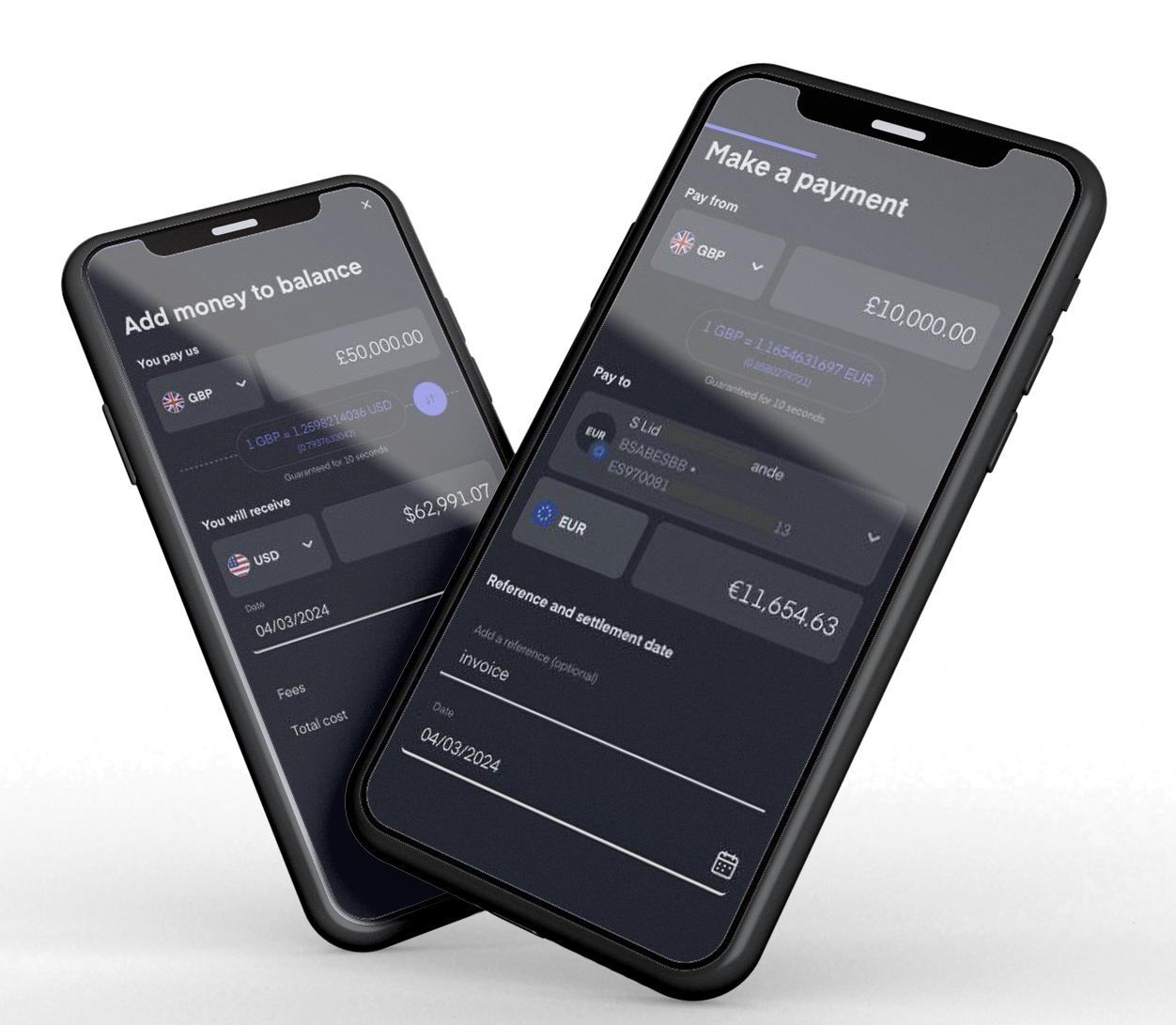
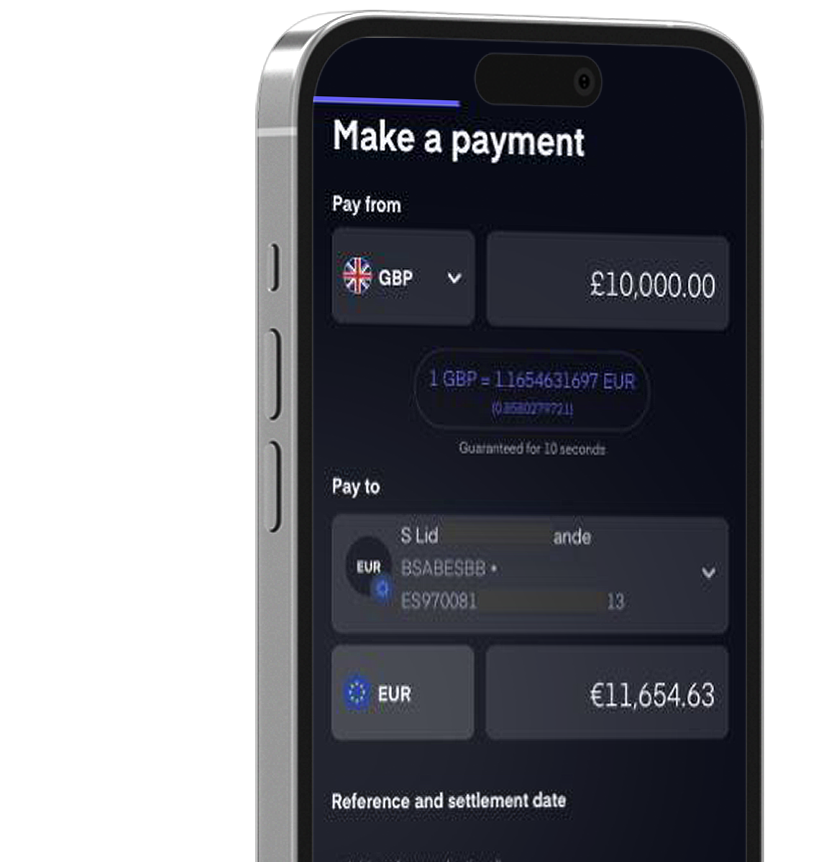
Experience hassle-free transfers, designed for speed and simplicity, so you can move money with ease.

Manage Money

Manage Money

Take control of your finances with our intuitive tools, designed to help you organize, track, and optimize your spending.

Accounts tailored to meet your needs.

Multi Currency Payments To Numerous Destinations

Control your finances with spend limits

Payment Solutions

Automate your spend, end-to-end

Explore our diverse portfolio of projects, spanning various industries and media. Each project reflects our commitment to excellence and our clients' success.

Business Start up Account

Launch your business with ease. Our start-up account simplifies your finances from day one.

Personal Account

Your peace of mind is our commitment. Personal banking you can depend on.

Apply Now
Multi Currency Account

Unlock international opportunities. Manage diverse currencies in one powerful account.

Business Current Account

Manage your business flow with a current account built for seamless operations.

1
Trusted by tier 1 banks

Trusted by Global Companies

Nexus Business empowers modern businesses to thrive in the global marketplace. We provide comprehensive financial solutions, including multi-currency accounts, seamless global payments, and intelligent spending tools.

Scale your operations and maximize savings with our all-in-one business account. From issuing team cards and executing international transfers to accepting payments and exchanging currencies at favourable rates, we equip you with everything you need to succeed, locally and globally.

38 Currencies, 1 Account

Secure data protection and built-in privacy.

SET CUSTOM SPEND CONTROLS

Have a question?

Common questions you may have, providing clear and concise information to help you understand.

Simply hit the join now button on the website, fill in the application form and submit. From there we
will do the relevant checks and come back to you with your new account details. In certain
circumstances we may require further information which we will request from you if required.

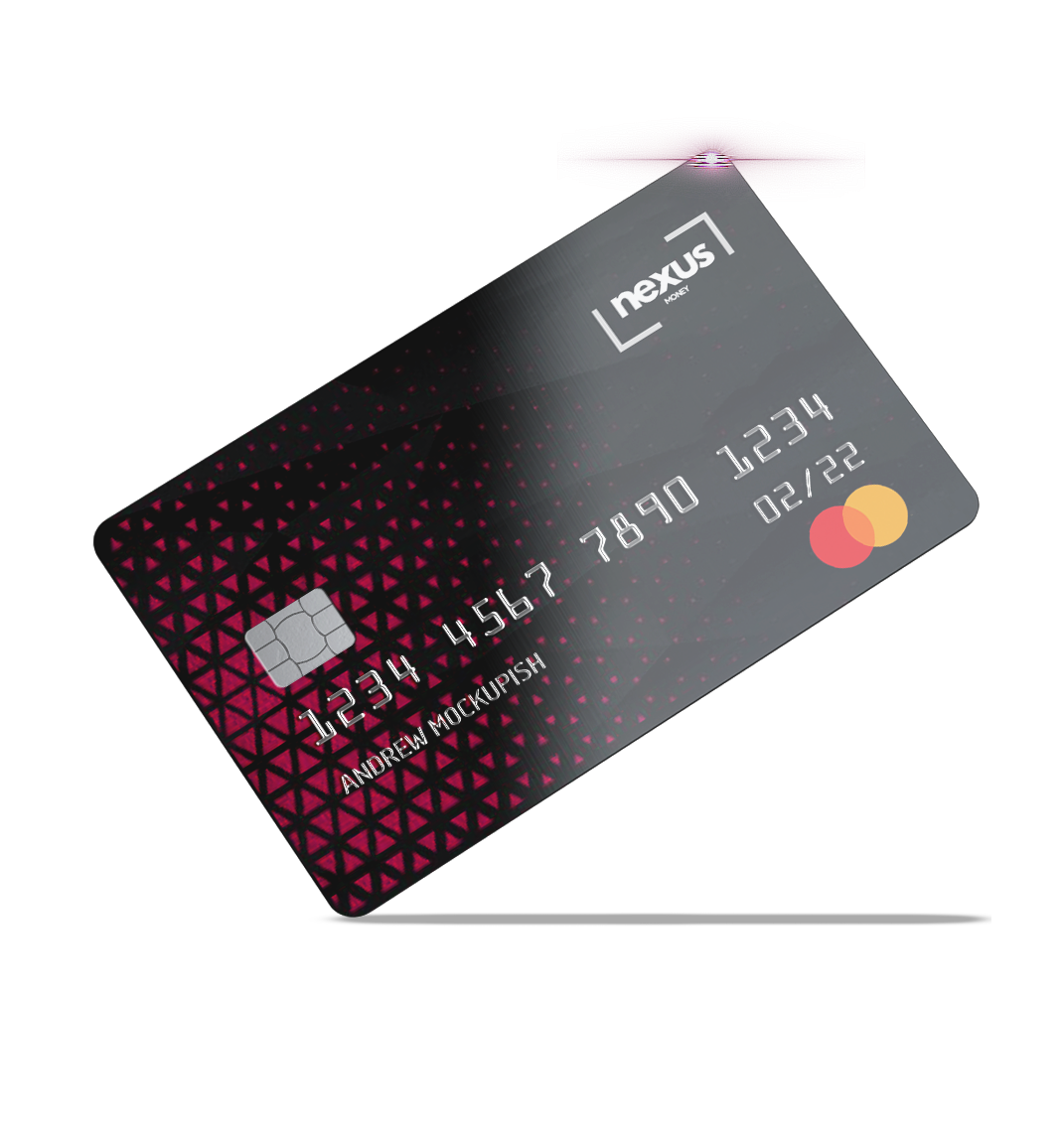
Please go to the “Cards” page and select the card. A panel will appear on the right. Under the image
of your card, you’ll see a box with this link “Click here to activate your card”. You will need to click
this option and enter your password.

The delivery address will be confirmed when the card is ordered. If you wish to check the delivery
address after ordering the card, please go to the “Cards” page and then select the card. A panel will
appear on the right which lists the address that the physical card has been sent to.

You can withdraw up to £2000 over 5 withdrawals within 24 hours. All ATM withdrawals are subject to a fee which can be found within our pricing list. Please note that some ATMs may apply an additional surcharge and amounts that can be withdrawn at one time is down to the rules of the specific ATM you are using.

 Payment services are provided by Equals Money Plc. Equals Money Plc is authorised as a Payment Institution by the Financial Conduct Authority (FCA) with the Firm Reference Number (FRN) 488396. Company registered in England and Wales, with the Registration No. 05539698. Registered Address: 3rd Floor, Vintners’ Place, 68 Upper Thames St, London, EC4V 3BJ, UK. Equals Money Plc are required to carry out a Know Your Customer (KYC) check to check your identificaton and residency, this is not a credit check.

View all Frequently asked questions? Click here